

Inbox placement
Delivered is not the same as read.
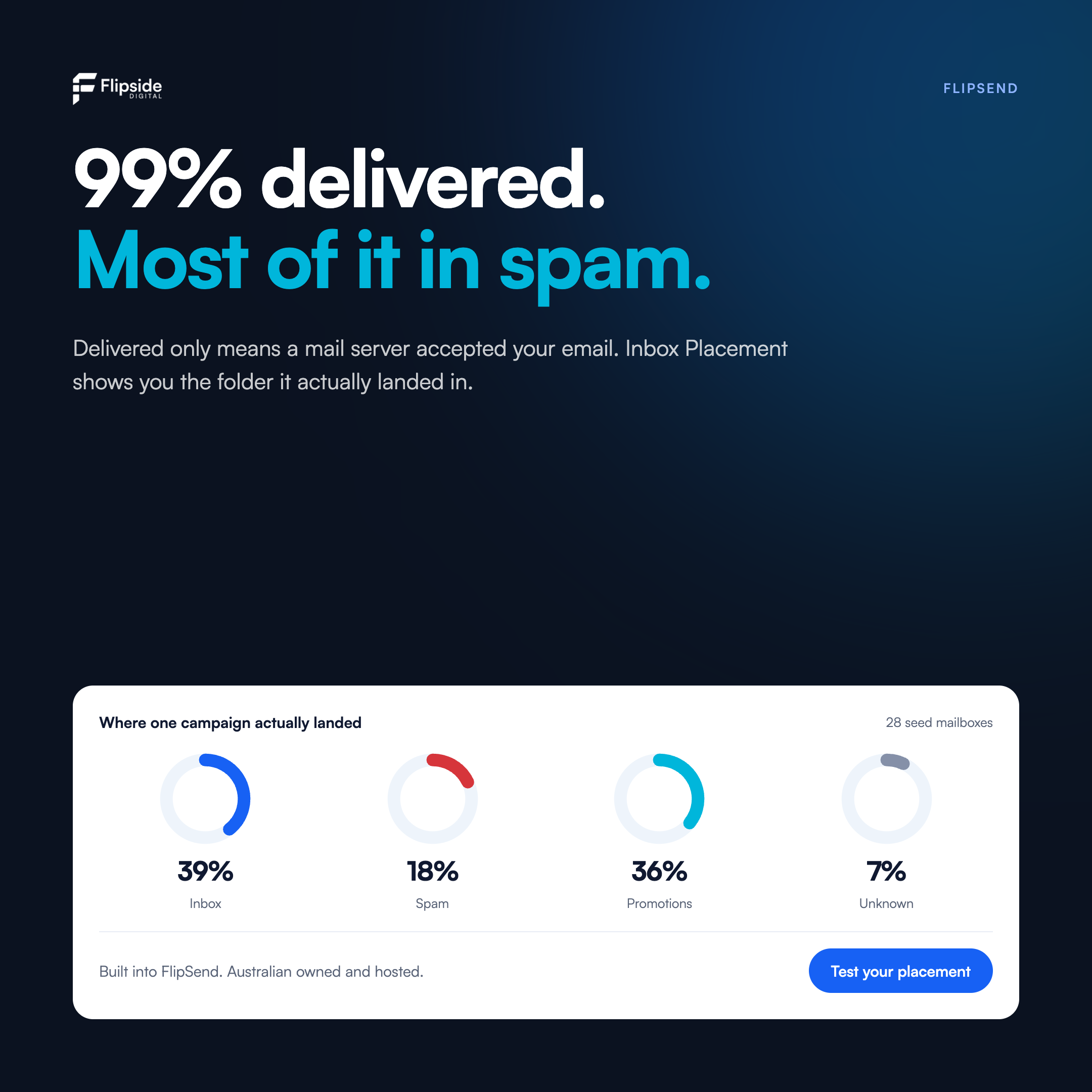
A delivery report only tells you a mail server accepted your message. It does not tell you which folder it landed in. You can send to thousands, see 99% delivered, and still have most of it sitting in spam where nobody looks.
| Provider | Inbox | Spam | Updates |
|---|---|---|---|
| Gmail | 4 | 0 | 10 |
| Outlook | 7 | 5 | 0 |
How it works
Catch a spam problem before your list ever sees it.
Build your campaign
Set up the email exactly as you're about to send it — content, links and sending domain.
Run a placement test
We send it to a panel of seed mailboxes across Gmail, Outlook and the major providers.
See where it lands
Inbox, promotions or spam, broken down by provider, with SPF, DKIM and DMARC checks.
Fix, then send
Adjust the content or authentication and re-test before it ever reaches your real list.
Placement, not just delivery
See whether your campaign landed in the inbox, promotions or spam, mailbox by mailbox.
Catch it before the send
Test the campaign first, so a spam problem never reaches your whole list.
Broken down by provider
Often you are fine at Gmail and struggling at Outlook. That changes what you fix.
Authentication in one view
Confirm SPF, DKIM and DMARC are passing, and see when they are the cause.
From the blog
Related reading
Guides and updates on deliverability, compliance and keeping Australian data onshore.
Australian owned, Australian hosted. Inbox Placement is built into FlipSend.
View email plans